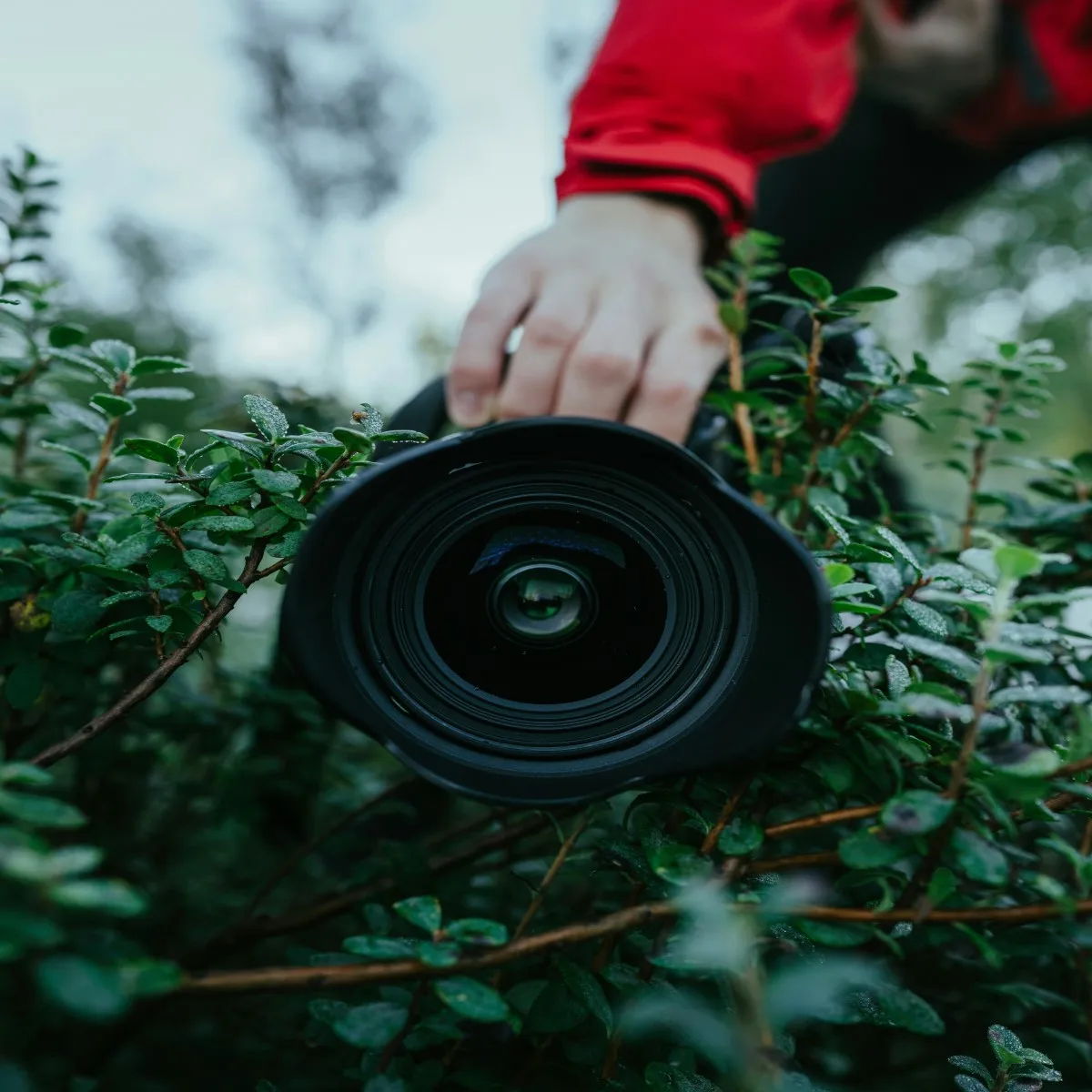
For photograph lovers, being capable of capturing and editing high-quality, aesthetic images is essential for getting the best portfolio. Cleaning the camera lens properly is as important as purchasing an appropriate camera.
In this post, we'll provide comprehensive guidance on how to clean your camera lens and filters and protect your camera lenses. Don't worry; it won't be a daunting task as long as you have the right cleaning tools. If you have a sufficient budget, we recommend you invest in a quality and specialized camera cleaning kit, which helps you maintain your lens' pristine condition without causing damage.
Signs of Dirt for Your DSLR Lens
Examine the Newest Photos
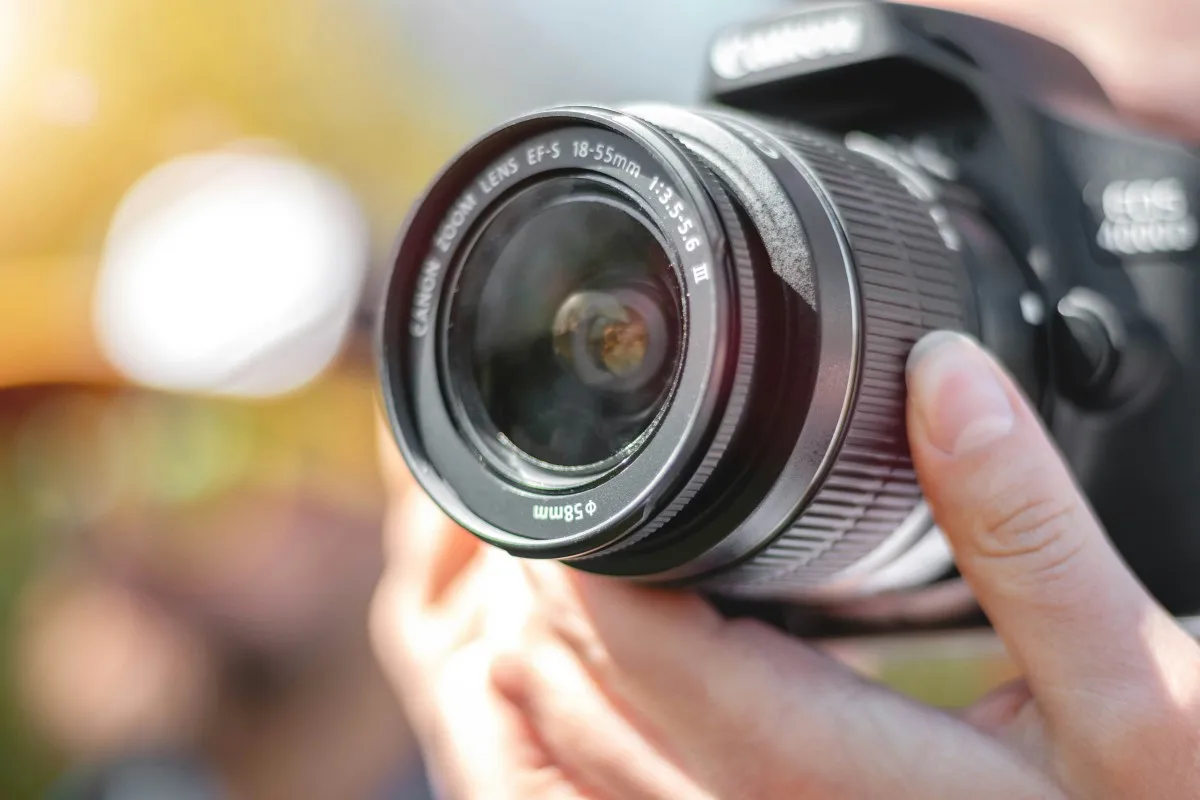
The simplest way is to inspect the photos you've taken recently: you can zoom in on each image and observe thoroughly for hazy spots or dust particles.
Capture Test Shots
You can look for a plain surface and take photos of it, such as a white wall or paper or a cloudless sky. If dust is present on your camera's LCD screen, you'll notice consistent dark spots in the same location on all your pictures.
Focus on Infinity
You can set your camera to Manual mode and adjust the focus ring to infinity. This will help you spot any dust particles within the lens.
Inspect Other Signs of a Dirty DSLR Lens
Besides, you can examine the exterior of the lens for dirt, smudges, or even mould germs. If you suspect some mould signs, it's necessary to seek professional cleaning or check for an insurance guarantee.
Tools that You'll Need
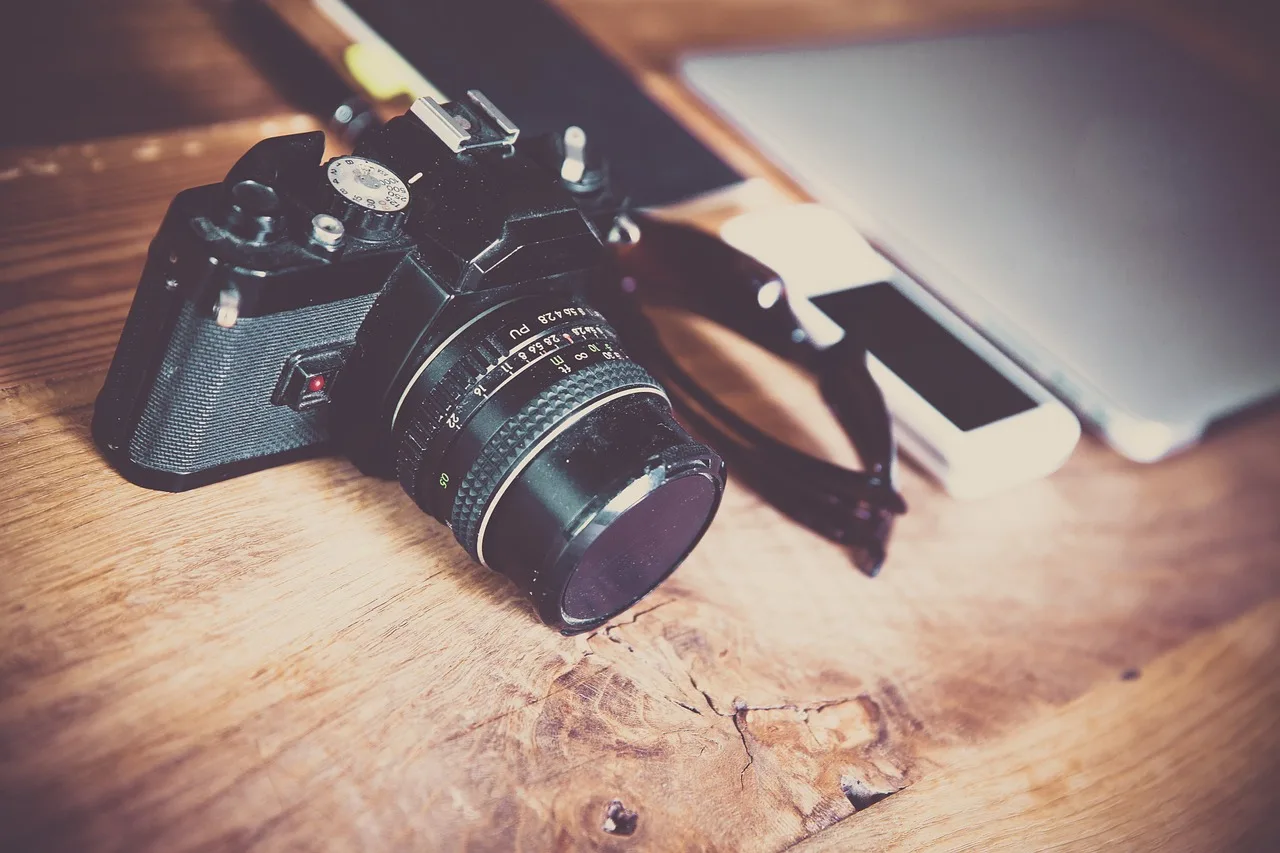
Clean Microfiber Cloth
You can use a clean microfiber cloth to clean lenses. However, don't wash them without fabric softener; its chemicals can damage your lens coating and leave streaks.
Camera-lens wipes
Opting for camera lens wipes could be a great alternative. Though they can be convenient for quick clean-ups, they should only be used as a last resort after removing larger particles with a blower or brush. Another thing to remember is that after using a wipe, you should immediately dispose of it.
Cleaning Solution
Cleaning fluid for lenses is a great cleaning solution that removes fingerprints and smudges without leaving residue. Typically, use a tiny amount of it, just a drop or two, is sufficient. You can read the product instructions. Too much liquid can damage your camera's delicate components as excess fluid might flow inside it.
Soft Brush
As your finger touch might bring oils to smudge your lens, you should be careful and don't touch the bristles of the brush. Additionally, you can invest in a soft-bristled brush, which is great for removing debris from your precious camera lens.
Air Blower
An air blower is a handy device that uses manual pumping to expel air and remove dust from camera lenses. Compared to canned air or natural breathing, which could damage your lens, it's ideal for corner areas, such as lens edges and textured surfaces.
These tools generally come in various sizes; the larger ones might be bulky but provide more powerful airflow.
Carry Case
If you always run errands or go on trips, get a durable carry case for organizing your camera lens cleaning kit. It'll make it easily accessible at all times.
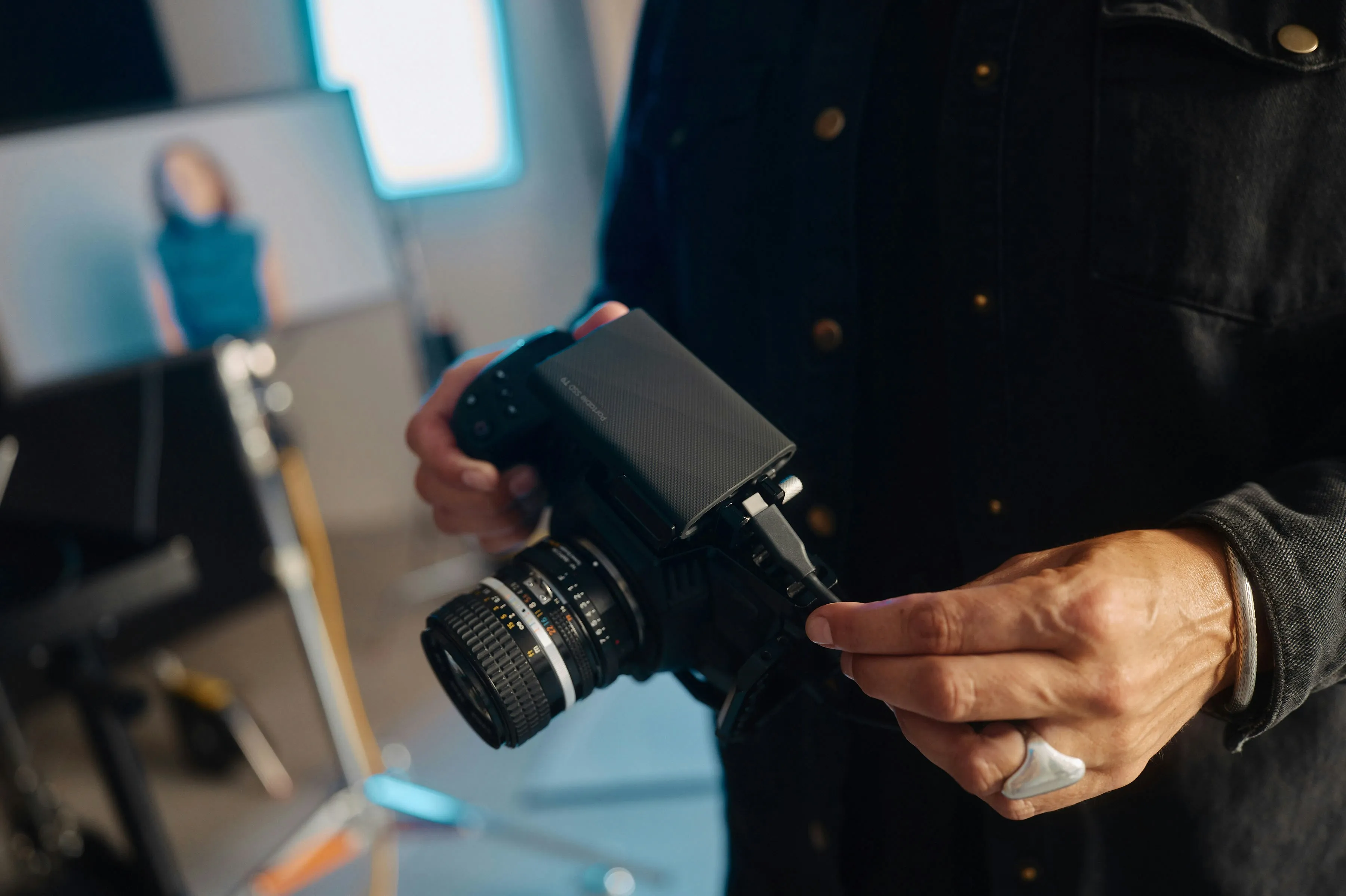
How to Clean Camera Lens?
Firstly, remove as much dust and debris as possible when using a blower and soft brush.
Secondly, a small amount of lens cleaning solution should be applied to a lens tissue or cleaning cloth.
Finally, use circular motions to gently wipe away fingerprints and grime, starting from the centre and moving outward.
How to Prevent Dust on Your Camera Lens?
Preventing dust build-up could save you a lot of cleaning time and effort. Also, preventing it regularly helps you maintain a high-quality image. Here are some regular methods for avoiding dust on your camera lens.
Replace Camera Lens
Replace a removed lens with another lens or a body cap for your camera. This simple action safeguards your camera from potential damage and any miscellaneous damage. Also, limit the number of times you change lenses to minimize dust accumulation further.
Wipe Dirt and Dust off your Lens Mount
You should regularly and quickly clean your lens mount to minimize the risk of dust transferring to the rear of your DSLR lens. The longer you let dust particles sit on your lens mount, the worse the dust situation is.
Till the Camera Downward
When you change lenses, the camera and the lens to be replaced should be facing down. This prevents dust particles from falling on the sensor and lens optics of the digital SLR camera.
Frequently Asked Questions about Camera Lens
How often should I clean my camera lens?
There are no strict rules regarding the time to clean your camera lens. Clean it when it needs to be cleaned. Normally, you can clean it once a month if you are shooting often.
How do I clean a foggy camera lens?
If there is a temperature difference between the glass and the exterior air, the water vapours could condense and remain on the glass. It's best to let the condensation evaporate naturally, since wiping a foggy lens might spread water droplets and potentially scratch the lens.
What Should Not Be Used To Clean Camera Lens?
We summarize you essential tips that need to be avoided when cleaning camera lens, or you might at risk of hurting your camera lens:
- Professional camera technicians typically clean lenses and camera parts using lint-free tissues, microfiber cloths, air blowers, and isopropyl alcohol.
- Adding moisture to the camera body can be damaging.
- If you're unsure about cleaning your camera equipment, it's best to seek professional assistance.
- Avoid using harsh brushes as these can scratch the delicate lens coating.
- Avoid household cleaners as they can damage the lens coating.
- If a dedicated lens cleaning solution isn't available, a slightly dampened microfiber cloth can be used.
- Do not use paper towels, tissues, or clothing to clean your lens. These materials can scratch the lens and leave behind lint.